

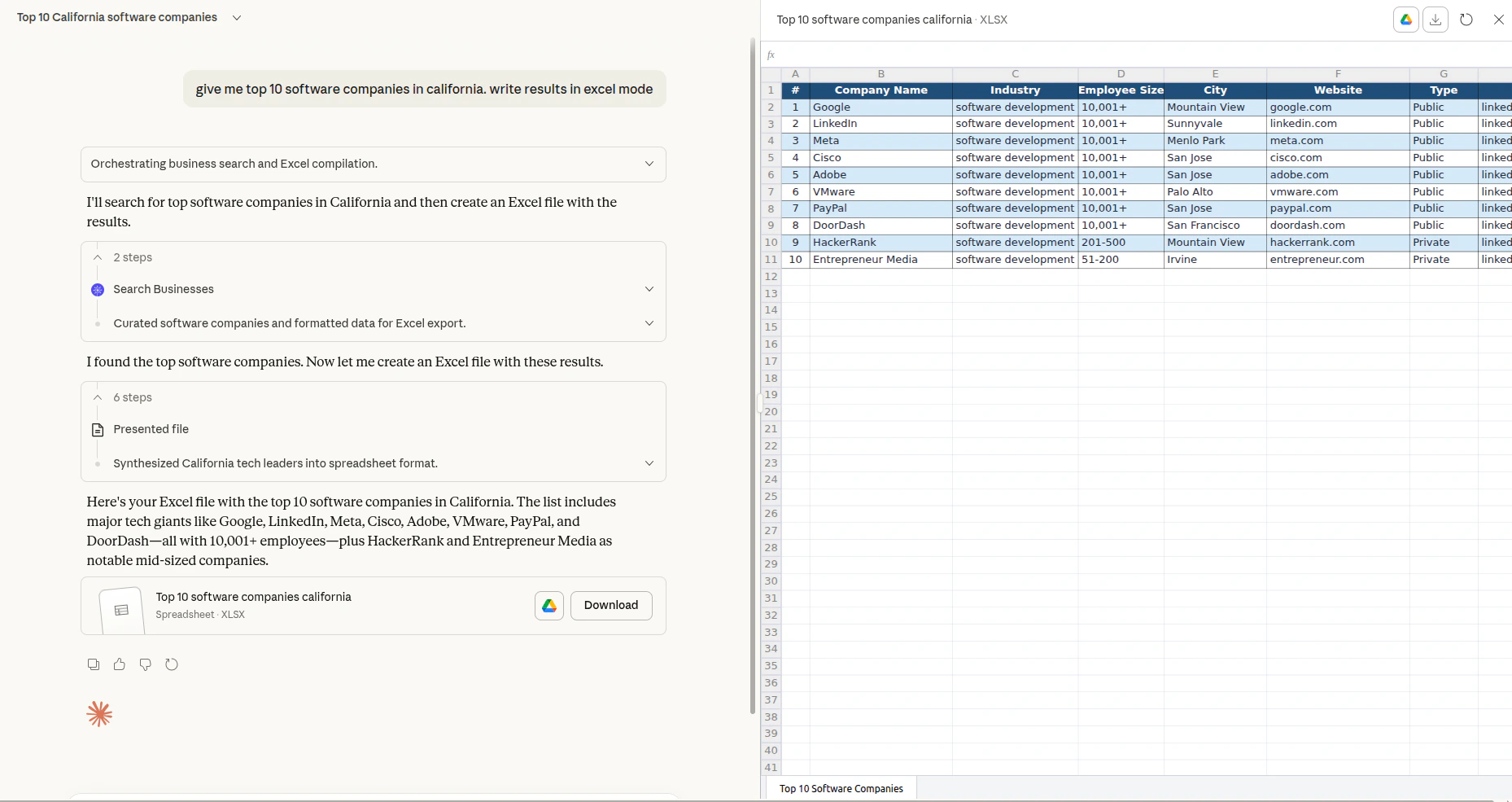
Ways to use Ahrefs MCP
CUFinder provides the following option for running the MCP server: Streamable HTTP (recommended): https://mcp.cufinder.io/mcp Most popular AI tools support connecting to the remote MCP directly. If you run into issues, check out our step-by-step setup guides:- Claude Web / Desktop / Extension
- Claude Mobile
- Claude Code
- ChatGPT Web
API limits and usage
The remote MCP server is available on paid plans starting from Growth.- Each plan has a maximum number of rows per request that an AI agent can access.
- Each plan also comes with a limited amount of monthly API units. The higher your plan tier, the more units are included.
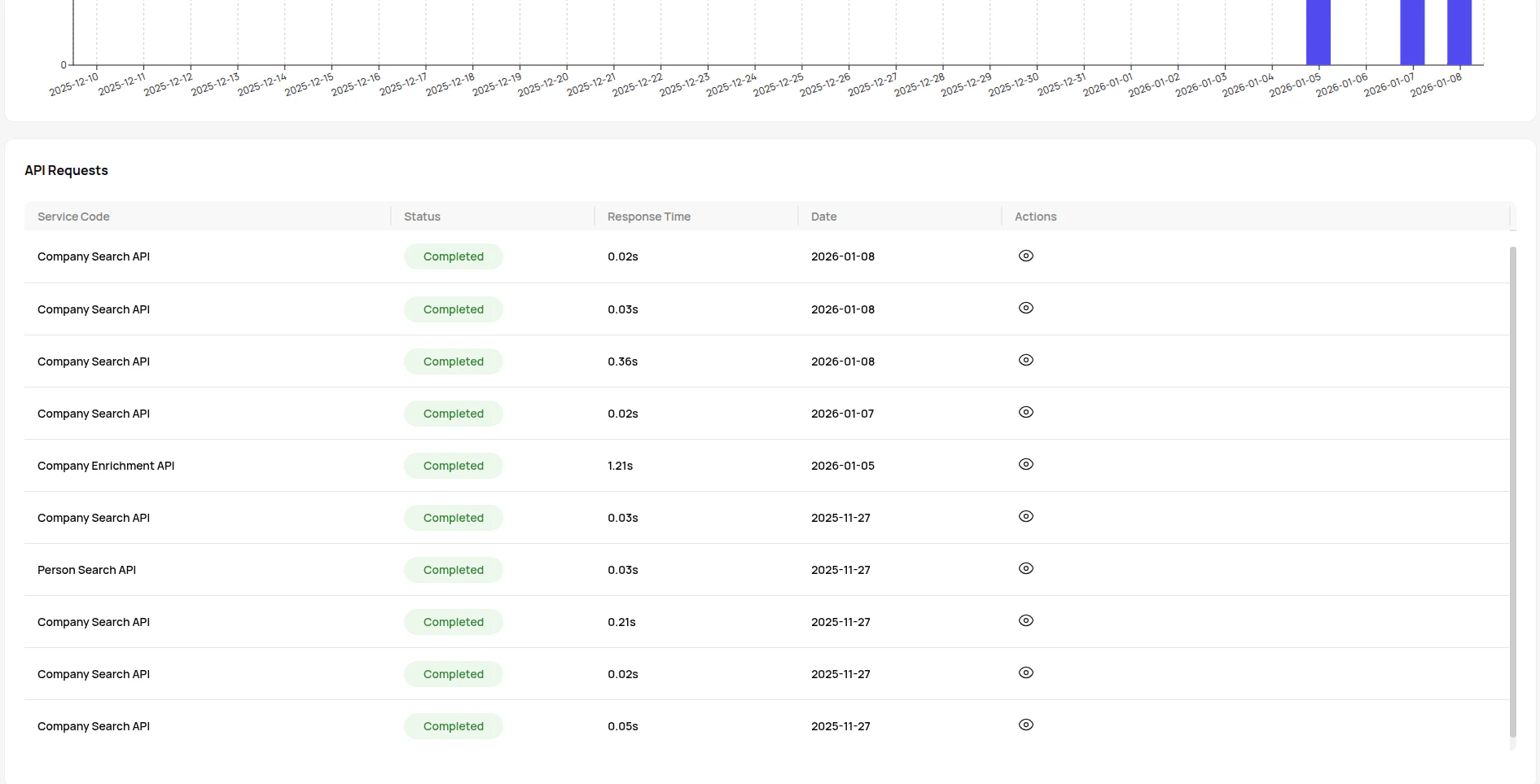
- When a third-party app makes an API call on your behalf, it consumes API units from your monthly allowance, The same way as direct API usage.
Keys and authorization
When you connect CUFinder MCP to an AI agent, you’ll need your CUFinder API key to authenticate requests and access the platform’s B2B data enrichment capabilities.How to get your API key:
- Log in to your CUFinder dashboard
- Navigate to Account Settings
- Click on API Dashboard
- Copy your unique API key
Important notes:
- Keep your API key confidential. Never share it publicly or commit it to version control.
- Credits are consumed only when services successfully return results.
- Monitor your usage in the API Dashboard to track credit consumption.
- Need more credits? Explore CUFinder’s pricing plans starting from a free tier with 50 credits/month.