

POST to your endpoint whenever a job change of your chosen type is detected.
Create it in the dashboard
Open your dashboard, click New webhook, and select Job Changes Webhook.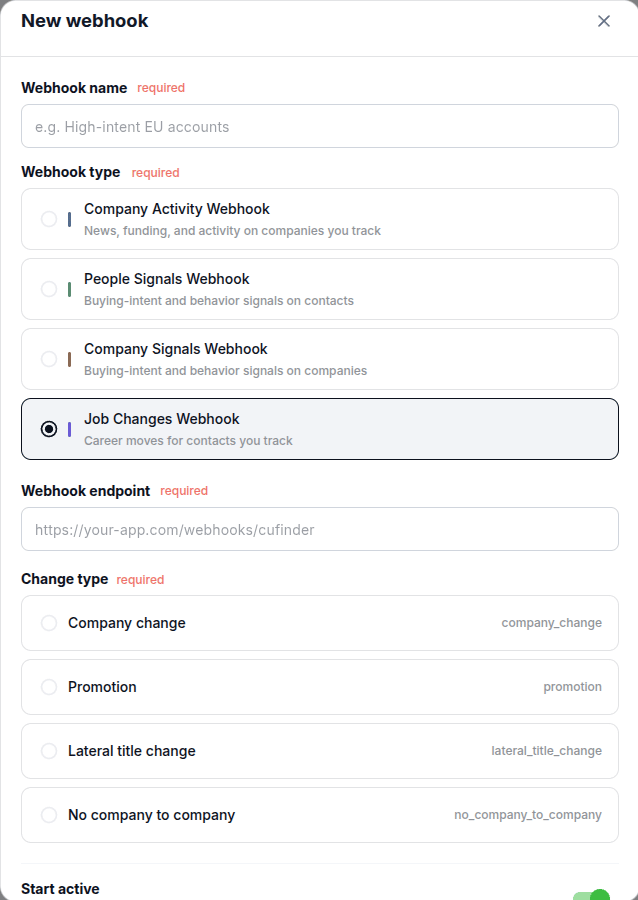
The Job Changes Webhook pushes career moves to your endpoint as they are detected: new companies, promotions, lateral title changes, and first jobs. Choose the change type you want to receive.
POST to your endpoint whenever a job change of your chosen type is detected.