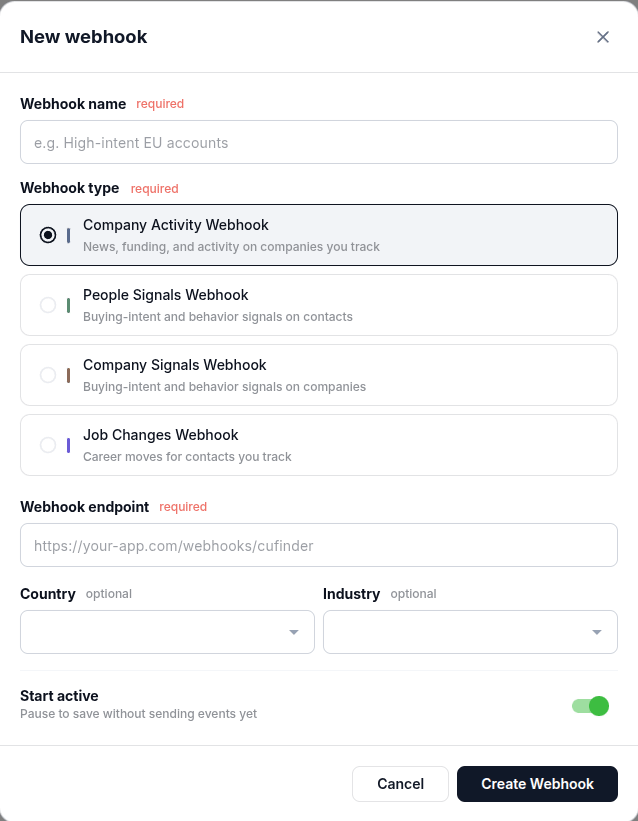

POST to your endpoint whenever new company activity is detected: posts, announcements, and funding news. Both filters are optional, so you can go as broad as every tracked company or as narrow as one industry in one country.
Create it in the dashboard
Open your dashboard, click New webhook, and select Company Activity Webhook.