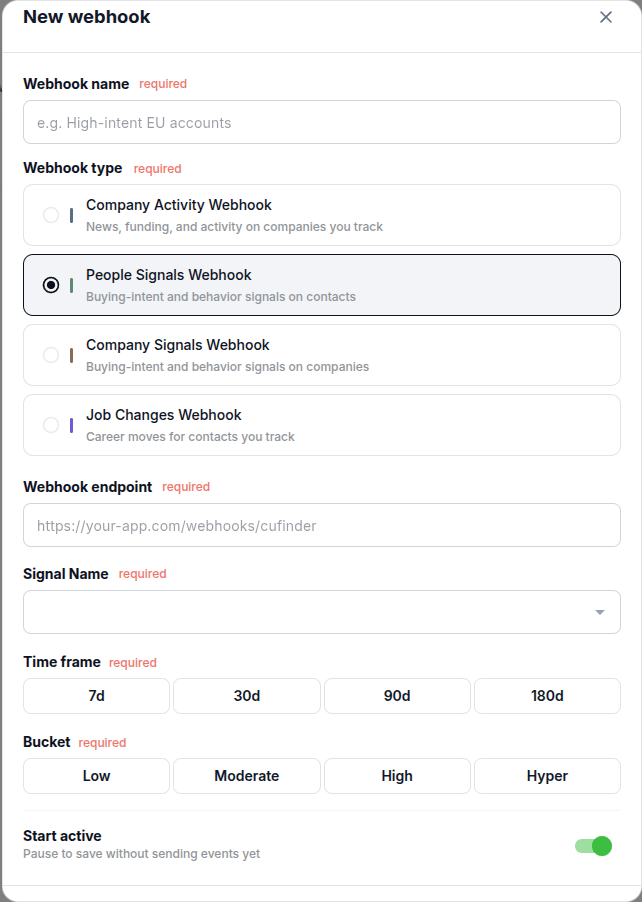

POST to your endpoint whenever a people signal fires that matches your configuration: a new C-suite hire, a departure, a promotion, and the rest of the People-category signals.
Create it in the dashboard
Open your dashboard, click New webhook, and select People Signals Webhook.